Almost every program you will ever write needs to deal with more than one piece of data at a time. A music app keeps a list of songs, a weather service stores a week of temperatures, and a game tracks the positions of dozens of characters. The simplest and most widely used tool for holding such collections is the array.
Arrays sit at the very foundation of computer science. Languages such as C, Java, Python, JavaScript and Go all provide them in some form, and more advanced structures like stacks, queues, hash tables and matrices are frequently built on top of them. Understanding arrays well makes it much easier to learn everything that comes after.
This guide explains what an array is, how it is stored in memory, the different types of arrays, the most common operations and their performance, and how arrays compare with other data structures. It finishes with best practices, common mistakes and a set of frequently asked questions.
What Is an Array?
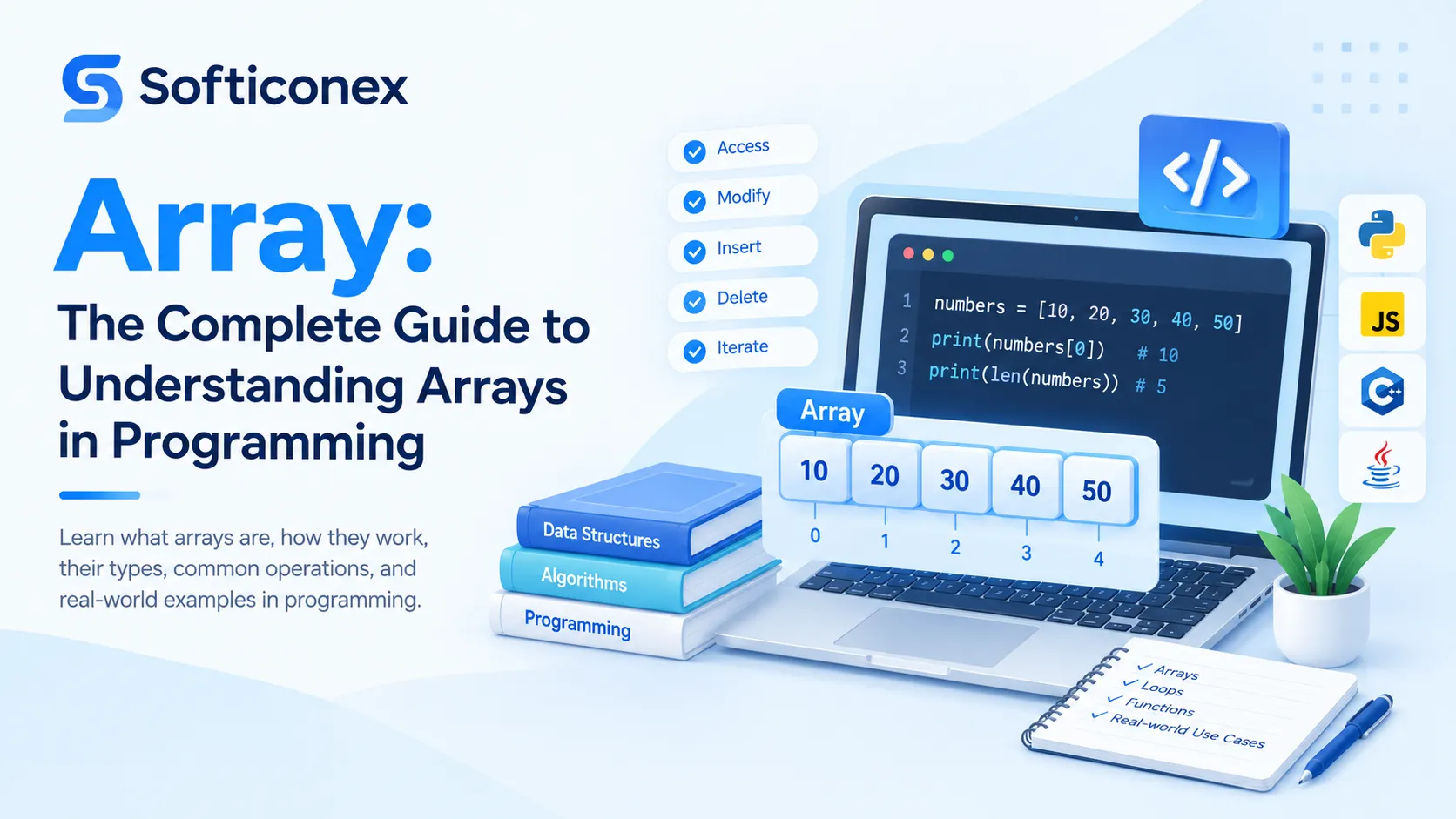
An array is a data structure that stores a fixed or ordered collection of elements under a single name. Each element is identified by its position, called an index. In most programming languages the first element sits at index 0, the second at index 1, and so on.
A simple analogy: think of an egg carton with twelve slots in a row. The carton is the array, each slot is an element, and the slot number is the index. To reach the seventh egg you do not open every slot in turn; you go directly to slot number seven. That direct access is what makes arrays so fast.
Arrays are usually homogeneous in statically typed languages, meaning every element has the same type (for example, all integers). Dynamically typed languages such as Python and JavaScript are more flexible and allow mixed types in one array or list.
Key Characteristics of Arrays
- Ordered: Elements keep the position in which they were placed.
- Indexed: Every element can be reached directly through its index.
- Contiguous storage: In low-level languages, elements are placed side by side in memory.
- Same-type elements: Most statically typed languages require all elements to share one type.
- Fixed size (often): Classic arrays have a length set at creation; many modern languages offer resizable variants.
- Allows duplicates: The same value may appear at many positions.
How Arrays Work in Memory
When an array is created in a language like C, the system reserves one continuous block of memory large enough for all elements. The address of the first element is known as the base address. Because every element takes the same amount of space, the computer can calculate the location of any element with a simple formula:
address of element i = base address + (i x size of one element)
For example, if an integer array starts at address 1000 and each integer needs 4 bytes, the element at index 5 is located at 1000 + (5 x 4) = 1020. This single calculation takes the same time whether the array holds ten items or ten million, which is why reading an element by index is described as constant time, or O(1).
Contiguous storage also helps performance in another way. Modern processors load nearby memory into a fast cache, so looping through an array from start to end is usually much quicker than walking through data scattered around memory.
Types of Arrays
1. One-Dimensional Array
A one-dimensional array is a single row of elements, such as a list of exam scores or daily temperatures. It is the most basic form and needs only one index to reach an item.
2. Two-Dimensional Array
A two-dimensional array organises data in rows and columns, like a spreadsheet or a chessboard. Two indexes are needed: one for the row and one for the column. It is commonly used to represent tables, matrices, images and game boards.
3. Multi-Dimensional Array
Arrays can have three or more dimensions. A three-dimensional array might store temperature readings by city, day and hour. These are common in scientific computing, graphics and machine learning, where they are often called tensors.
4. Dynamic Array
A dynamic array can grow or shrink while the program runs. When it becomes full, it allocates a larger block of memory (often twice the size), copies the old elements across and continues. Python lists, JavaScript arrays, Java ArrayList and C++ vector all work this way.
5. Jagged Array
A jagged array is an array of arrays in which each inner array may have a different length. It is useful when rows of data are uneven, such as a list of students where each student has taken a different number of courses.
Declaring and Initializing Arrays
The syntax differs from language to language, but the idea is the same. The examples below are original and show the same list of five numbers in four popular languages.
Python
scores = [72, 85, 90, 64, 78]
print(scores[2]) # 90
scores.append(88) # add to the end
JavaScript
const scores = [72, 85, 90, 64, 78];
console.log(scores[2]); // 90
scores.push(88); // add to the end
Java
int[] scores = {72, 85, 90, 64, 78};
System.out.println(scores[2]); // 90
System.out.println(scores.length); // 5
C
int scores[5] = {72, 85, 90, 64, 78};
printf(“%d”, scores[2]); /* 90 */
Common Array Operations
Access
Reading or updating an element by its index. This is the fastest operation because the position is computed directly.
Traversal
Visiting every element once, usually with a loop. Traversal is used for printing, summing, counting and transforming values.
total = 0
for value in scores:
total += value
average = total / len(scores)
Insertion
Adding an element at the end is usually quick. Adding at the beginning or middle is slower because the elements after that position must be shifted one place to make room.
Deletion
Removing an element leaves a gap, so the elements after it are shifted back to close the gap. Removing the last element is cheap; removing the first is the most expensive.
Searching
Linear search checks each element in turn and works on any array. Binary search repeatedly halves the search range and is far faster, but it requires the array to be sorted.
def binary_search(arr, target):
low, high = 0, len(arr) – 1
while low <= high:
mid = (low + high) // 2
if arr[mid] == target:
return mid
elif arr[mid] < target:
low = mid + 1
else:
high = mid – 1
return -1
Sorting
Arranging elements in ascending or descending order. Well-known algorithms include bubble sort, insertion sort, merge sort, quicksort and heap sort. Most languages provide an efficient built-in sort that is preferable to writing your own.
Time Complexity of Array Operations
Performance is one of the main reasons to choose, or avoid, an array. The table below summarises typical costs, where n is the number of elements.
| Operation | Typical Cost | Notes |
|---|---|---|
| Access by index | O(1) | Direct address calculation |
| Update by index | O(1) | Overwrites one slot |
| Append at end | O(1) amortized | Occasional resize in dynamic arrays |
| Insert at start or middle | O(n) | Elements must be shifted |
| Delete at start or middle | O(n) | Elements must be shifted |
| Linear search | O(n) | Works on unsorted data |
| Binary search | O(log n) | Requires sorted data |
| Traversal | O(n) | Visits every element once |
Advantages of Arrays
- Fast random access: any element is reachable in constant time.
- Simple and easy to learn: the concept is intuitive and supported everywhere.
- Memory efficient: there is little overhead beyond the data itself.
- Cache friendly: contiguous layout makes sequential processing fast.
- Foundation for other structures: stacks, queues, heaps and hash tables can all be built on arrays.
Disadvantages of Arrays
- Fixed size in many languages: the length must be known in advance, or resizing must be handled.
- Slow insertion and deletion: shifting elements costs time on large arrays.
- Wasted memory: an oversized array leaves unused slots.
- Need for contiguous memory: very large arrays may fail to allocate if memory is fragmented.
- Slow search when unsorted: finding a value may require scanning everything.
Array vs. Other Data Structures
| Feature | Array | Linked List | Hash Table |
|---|---|---|---|
| Access by position | Very fast | Slow (must walk) | Not by position |
| Insert in middle | Slow | Fast once located | Not applicable |
| Lookup by key | Slow unless sorted | Slow | Very fast |
| Memory layout | Contiguous | Scattered nodes | Buckets |
| Keeps order | Yes | Yes | Usually no |
In short, choose an array when you need quick access by position and the number of items changes little. Choose a linked list when frequent insertions and deletions dominate, and a hash table when you look up values by key.
Real-World Applications of Arrays
- Image processing: a picture is stored as a two-dimensional (or three-dimensional) grid of pixel values.
- Databases and spreadsheets: rows and columns map naturally to arrays.
- Games: boards, maps, inventories and high-score lists.
- Machine learning and data science: datasets and model weights are held in numerical arrays.
- Audio and video: sound is a sequence of samples stored in order.
- Web development: lists of products, comments, posts and search results.
- Scheduling and calendars: time slots represented as ordered collections.
Best Practices When Working with Arrays
- Always check that an index is within bounds before using it.
- Use meaningful names such as prices or studentNames instead of a or arr1.
- Prefer built-in methods (map, filter, sort, sum) over hand-written loops when they make the code clearer.
- Pre-allocate the size when you already know how many items you will store.
- Avoid inserting or removing at the front of large arrays inside loops.
- Sort the array first if you plan to run many searches on it.
- Remember that copying an array may create only a reference; make a true copy when you need independent data.
Common Mistakes to Avoid
- Off-by-one errors: forgetting that indexing starts at 0 and that the last valid index is length minus 1.
- Index out of range: reading beyond the end, which raises an error or causes undefined behaviour in C.
- Modifying while looping: removing items from an array during iteration can skip elements.
- Confusing shallow and deep copies: changing a copy also changes the original when nested data is shared.
- Assuming sorted order: using binary search on unsorted data gives wrong results.
Frequently Asked Questions (FAQs)
1. What is an array in simple words?
An array is an ordered collection of items stored under one name. Each item has a numbered position, called an index, which you use to read or change it.
2. Why do array indexes start at 0?
The index represents the distance, or offset, from the start of the array. The first element is zero steps away from the start, so its index is 0. This convention also makes the memory address formula simple.
3. What is the difference between an array and a list?
In everyday programming the words are often used loosely. Strictly, an array usually has a fixed size and same-type elements stored contiguously, while a list (such as a Python list) can grow and shrink and may hold mixed types. Linked lists are a different structure altogether.
4. Can an array store different data types?
In statically typed languages like C and Java, a normal array holds one type only. In dynamically typed languages such as Python and JavaScript, one array can contain numbers, text and even other arrays.
5. What is the time complexity of accessing an array element?
Access by index is O(1), meaning it takes the same amount of time regardless of array size.
6. What is a two-dimensional array used for?
It stores data in rows and columns. Typical uses include matrices, tables, game boards, seating plans and images.
7. What happens if I access an index that does not exist?
The result depends on the language. Python, Java and JavaScript raise an error or return undefined, whereas C may read unrelated memory, which can cause bugs or security problems.
8. What is a dynamic array?
A dynamic array automatically resizes as elements are added. When it runs out of space it creates a larger block, copies the data over and continues, so appending stays fast on average.
9. Which is faster for searching: linear search or binary search?
Binary search is much faster, at O(log n) compared with O(n), but the array must be sorted first.
10. When should I not use an array?
Avoid arrays when you need frequent insertions and deletions in the middle of a large collection, when the size is highly unpredictable and resizing is costly, or when you mainly look up items by a key rather than a position.
11. Is an array the same as an array in mathematics?
They are related. In mathematics an array or matrix is a rectangular arrangement of numbers. In programming, arrays serve as a natural way to store such arrangements, along with many other kinds of data.
Conclusion
The array is one of the most important building blocks in programming. Its strength lies in simplicity and speed: ordered elements, direct access by index and efficient use of memory. Its weaknesses, mainly costly insertions and deletions and a fixed size in many languages, are well understood and easy to work around by choosing the right variant or a different structure when needed.
Whether you are a beginner writing your first loop or an experienced developer tuning performance, a solid grasp of arrays will keep paying off. Practise by building small programs that traverse, search, sort and transform arrays, and you will find that more advanced topics become far easier to understand.
Want to Learn More? Connect with Softiconex
If this guide helped you understand arrays, there is much more to explore. Visit Softiconex to discover more resources, services and solutions that can support your learning and your projects.
Note: This article was written as original content, and all code examples are original illustrations. Readers are free to use, adapt and publish it.