What is UX design for AI?
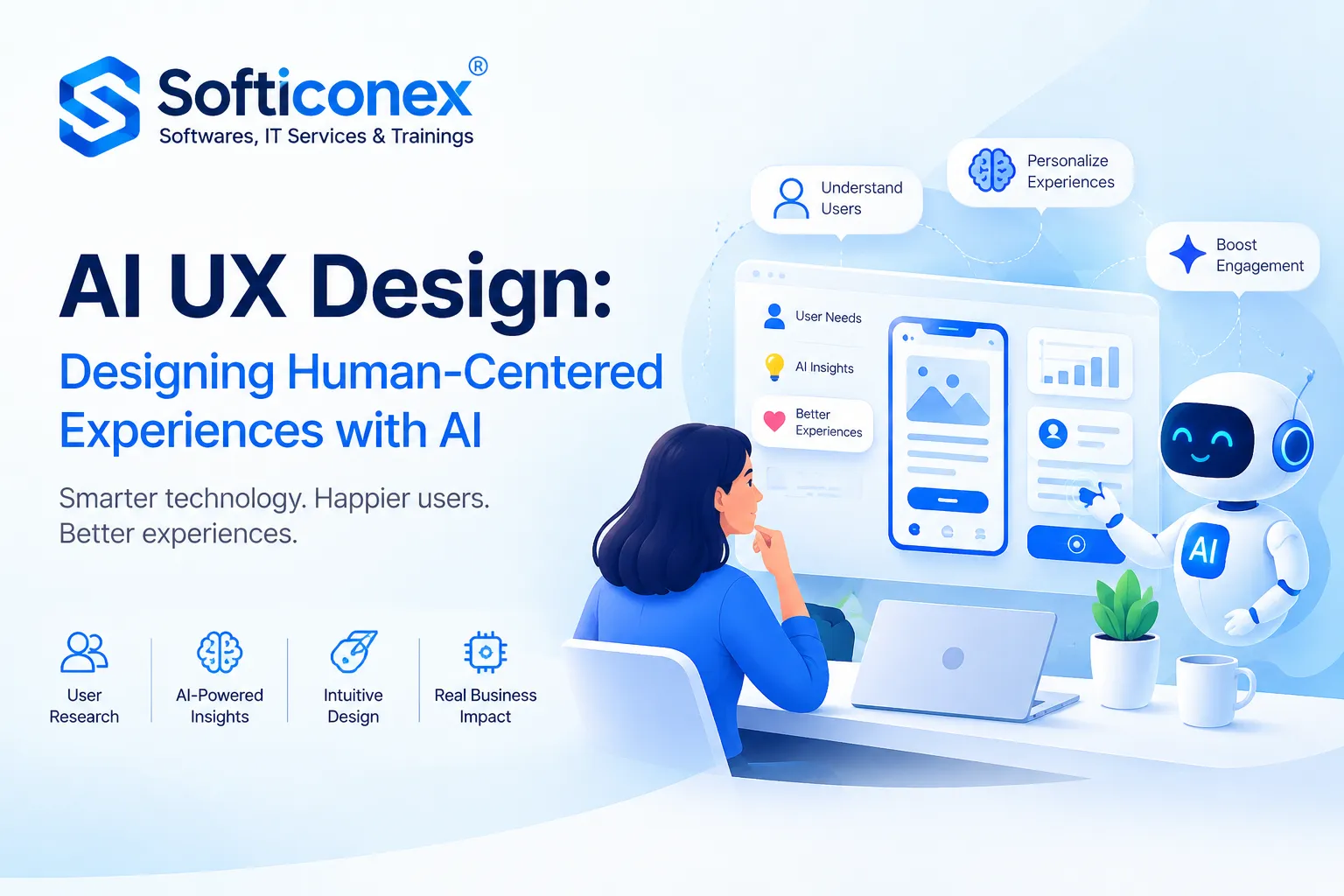
UX design for AI means designing the user experience in AI-powered digital products so users can use it more intuitively. Unlike traditional UI/UX design, it takes into account the probabilistic nature of AI’s operation. AI can generate inaccurate results that must be checked by experts. Thus, the UX designer should make interactions clear, explain what the system can do, handle errors, and give users helpful feedback.
How AI is transforming human-centered design principles
AI is changing human-centered design by making products more personal and better suited to each user’s needs. It considers users’ expectations, behavior, and preferences within one product.
This calls for new design approaches: explaining AI recommendations, allowing users to customize personalization settings, providing the ability to correct results, and gradually introducing users to new features.
According to Google PAIR’s recommendations, it is important to set realistic user expectations and explain the value of AI through specific tasks it helps users accomplish.
Key challenges in creating reliable AI-based solutions
The key challenges in creating reliable AI solutions are connected with:
- the results’ accuracy,
- data security,
- algorithm transparency,
- the ability to monitor the system’s operation.
Additional risks arise when processing confidential information and performing automated actions. This is another reason why AI-generated materials should be double-checked and to carefully control what data you feed it.
Core principles of human-centered UX design for AI
The following ones:
Clarity: Explain the AI’s capabilities and limitations.
Transparency: Show why the system offers a particular result, whenever possible.
Control: Allow users to edit, reject, or undo AI actions.
Feedback: Provide a way to report errors.
Predictability: Notify users of significant changes in the system’s behavior.
Accessibility: Take into account users’ diverse abilities and needs.
They are all based on understanding user needs, system transparency, and maintaining control over its operation.
Designing for transparency: helping users understand AI decisions.
Transparency in an AI interface means users can understand what’s happening behind the result – what data is being used, why a certain recommendation appears, and how reliable it may be. For example, a recommendation system can show which preferences influenced its suggestions, while an analytics tool can show where the data came from.
Google recommends providing explanations directly in the context of the user’s actions and disclosing the system’s limitations. However, it is not always possible to accurately explain the internal logic of a complex AI model.
Balancing automation and user control in AI interfaces
Such a balance means that AI performs tasks on its own when appropriate, but the user can intervene in the process. For example, an AI system for document processing can automatically recognize data and fill in fields, while allowing a person to review and confirm the result. Or AI can create a list of goods on an e-commerce platform based on filters and user preferences, while the user can adjust this list or initial filters for other results.
To achieve this, the interface should include features for editing AI responses, undoing actions, configuring automation, and manually performing tasks.
Read More: How can companies implement UI/UX design trends effectively?
Best practices and tools for creating human-centered AI products
Product teams can benefit from the following resources:
- Google People + AI Guidebook: Recommendations on UX, transparency, and control.
- Microsoft HAX Toolkit: The 18 principles for human-AI interaction, design patterns, and resources.
- NIST AI RMF: An approach to AI risk assessment.
- ISO 9241-210: An international standard for human-centered design.
Conclusion
Good UX for AI comes down to how easy, clear, and safe the product feels to use. Users should understand what the system is doing, stay in control of important actions, and be able to correct mistakes when needed. The design should follow real user needs and match the way each AI feature actually works.
For businesses, this means UX should be part of AI product development from day one. That’s how you build products that do more than simply use AI – they solve real problems and make everyday tasks easier for users.